
All posts categorized voip
|
PLAYING WITH OLD CISCO® IP PHONES
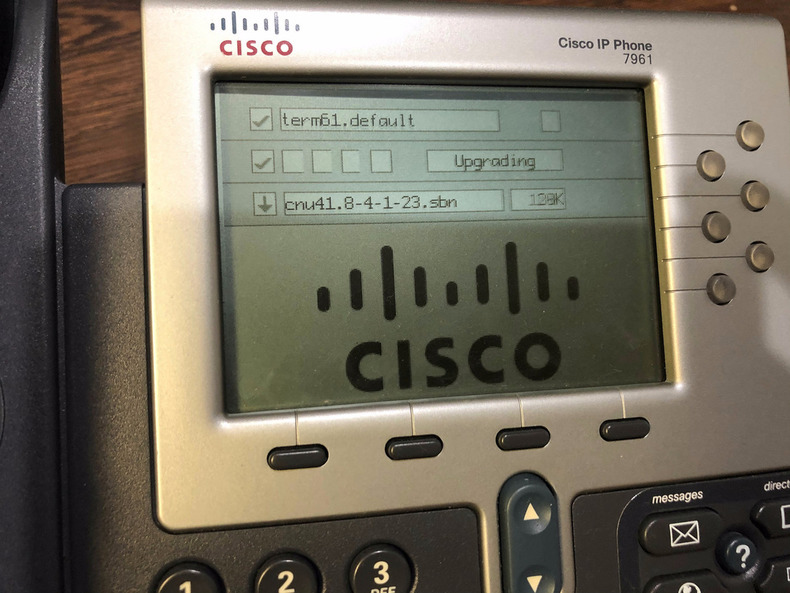
Cisco® IP phones are generally found everywhere in offices for the last nearly 20 years. As of this writing, there are several models that have reached their end of life and official support from Cisco®. One such model is the This is going to be a series of posts in my adventures with these phones, with this being the introductory one. Several people have setup these end-of-life phones with Asterisk or FreePBX and I will be doing the same. In addition to that, I will try to get to the internals of the phone and understand the chipset and write applications that run on the phone. Read More → |
| Posted on by Vikas N. Kumar. |
|
SCREEN REPAIR OF SAMSUNG GALAXY S4
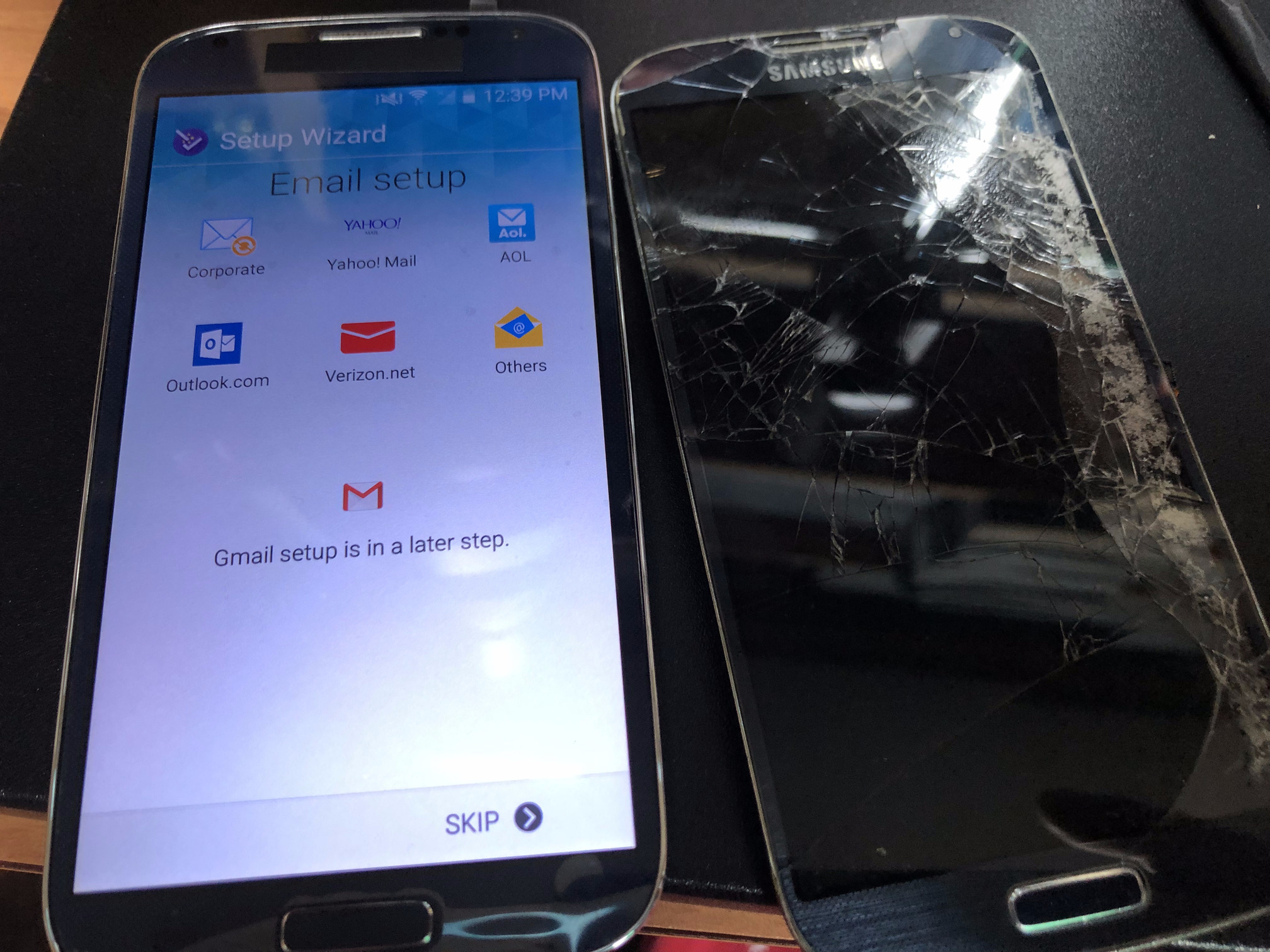
A Samsung Galaxy S4 (and also S5) is a fantastic device to use as a cheap burner phone for one simple reason — a removable battery. It is also well supported with a LineageOS port. Someone gave me an old Samsung Galaxy S4 a few years back that had a damaged display, and I kept it thinking that one day I may need it. A few days ago I decided I wanted to fix that display so I could build a burner phone from scratch with a single messenger app like Session, which has a custom APK file that you can download on to your Android without a Google Play Store or even an F-Droid store. This can be very useful if you do not want Google apps or any other app besides a default browser on your device. This post outlines how I went about repairing the screen of the S4 first, so that I can have a device that works which is step 1. These devices are really cheap to procure on eBay but nothing is cheaper than free. I will also demonstrate how to disable or remove the selfie camera. Read More → |
| Posted on by Vikas N. Kumar. |
|
SETTING UP AN INTERNAL PHONE SYSTEM WITH OLD CISCO® IP PHONES AND ASTERISK
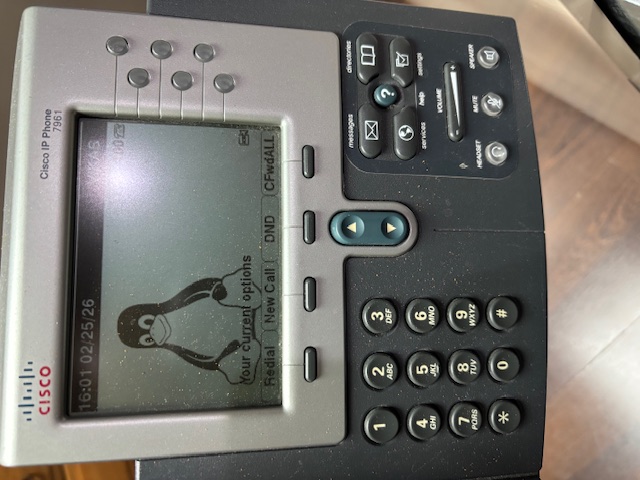
In 2020, I wrote a post on updating firmware on old Cisco® IP phones, and I got carried away by other projects and this project went on the backburner. This year I decided to complete this project, so that I could use these wired VOIP phones as an internal phone system across multiple rooms, where I could dial a number and speak to a person in a different room. I use this to interact with my family members when I want to ask them something and do not want to walk over for whatever reason. Asterisk is an open source PBX - Private Branch Exchange software that I used to set this up. The process is a bit involved and is tricky to get right if you miss something in the configuration. I will describe the process in detail in this post. Note that this post does not describe a setup for making outbound calls or receiving inbound calls on actual landline phone numbers. This is for creating a custom extension per phone, and calling those extensions, similar to what you find in hotels, where you can call one room to another by dialing that room’s number. Read More → |
| Posted on by Vikas N. Kumar. |
|
|
SETTING UP INBOUND AND OUTBOUND CALLING ON PHONE SYSTEM WITH ASTERISK
Previously we saw how to setup and internal phone system using Asterisk and old Cisco® phones with extensions. You could call any phone extension in the system directly. However, it did not do any outbound calling to actual phones or receive inbound calls from them. This post explains how to use a VOIP provider like Twilio or Vonage or VOIP.ms using the concept of SIP Trunking. By setting up the Asterisk system to use SIP trunking, the phone system can now make outbound calls and receive inbound calls from regular phones. Back in the day, the USA had analog telephones, commonly known as POTS or PSTN, but in the last ten years or so these telephones have completely disappeared and replaced with VOIP phones. Historically, you would have needed a custom PCI-E card to convert your VOIP to POTS technology, but today you do not need that anymore. You can use a VOIP service provider like Twilio or Vonage or VOIP.ms and be successful at doing calls to regular phones. All over the internet using your existing internet connection without paying too much extra. Read More → |
| Posted on by Vikas N. Kumar. |
 Donate BITCOIN to 19hrWWw1dPvBE1wVPfCnH8LqnUwsT3NsHW.