
On a recent visit to a local hamfest in Parsippany, NJ I ended up purchasing a used portable 5.5” CRT TV with AM/FM radio and a cassette player for $5. I have recently been interested in procuring one of these just to have it, and this was a great opportunity to get one for cheap, in cash. However, I did not know if it worked or not. There was no power cable, and the seller did not have the 10 “C”-size batteries needed for a demo. Yet, I purchased it thinking that if something does not work I will learn to repair it.
This TV did not have any markings besides the word SUPERSONIC on it, so I started doing some research on the web on how to identify and find details on the TV.
POWER RATINGS
First step was to figure out what the electrical requirements for the power supply were. As per Figure 1, there was no labeling so I spent many minutes doing image searches on Google and Duckduckgo to find the best matches.
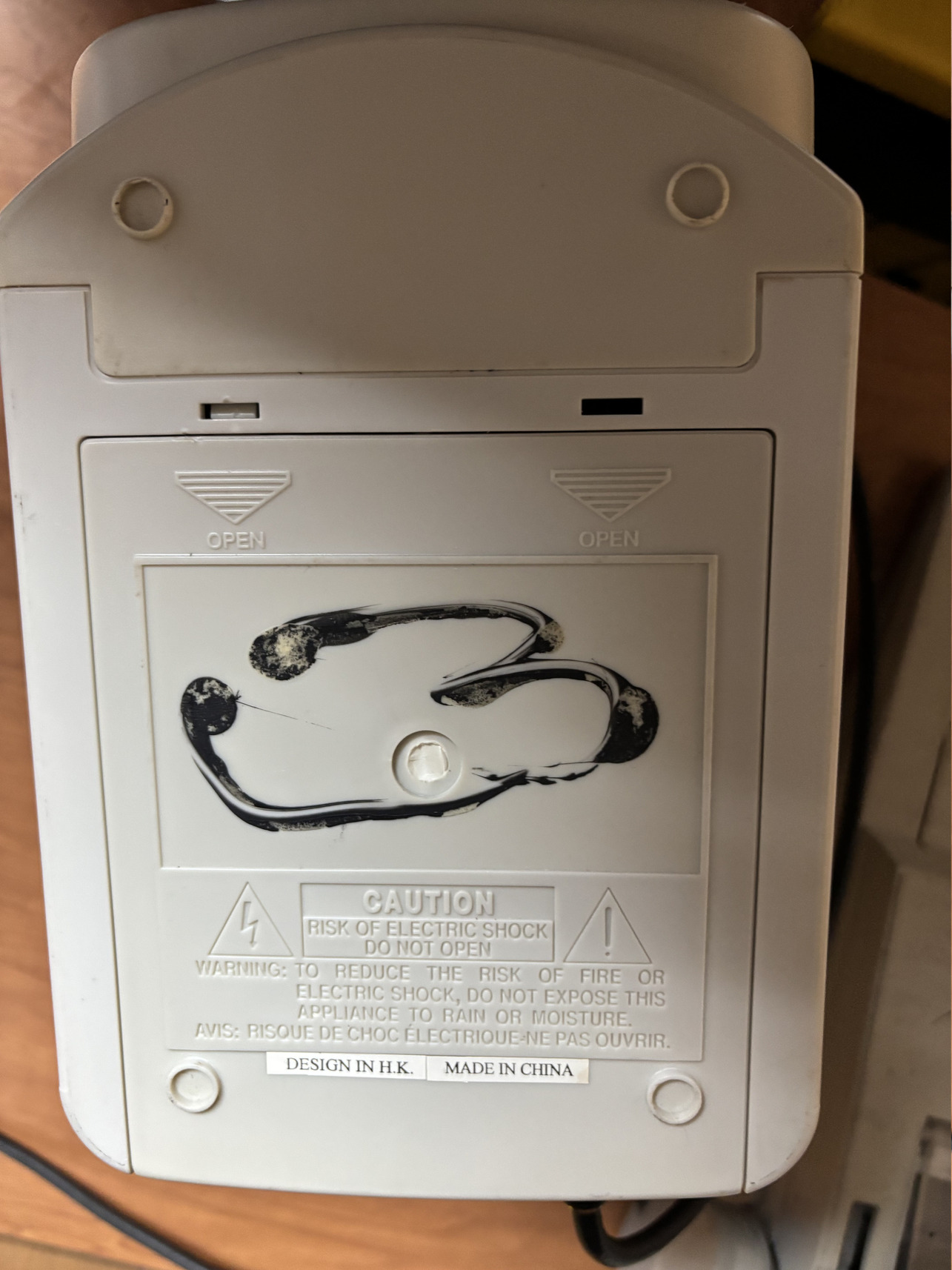 Figure 1: Underside of the TV with the missing label
And I did, on eBay. Someone had once posted a listing selling the same but unboxed version for $25.
I grabbed all the images from the listing and am reposting them here just in case they disappear from the web.
Figures 2a to 2j are the images from the listing. As you can see that Figure 2i shows the details of the power supply needed: DC 13.5V 1000mA, or 10 1.5V UM-2 “C” Size batteries. But it also worked with a car charger (Figure 2d), which was originally supplied with the TV. Car batteries supply 12V DC, which means that a 12V 1A DC charger would suffice. Figure 2b shows that the DC operation could be anywhere between 12-15V, which works for us.
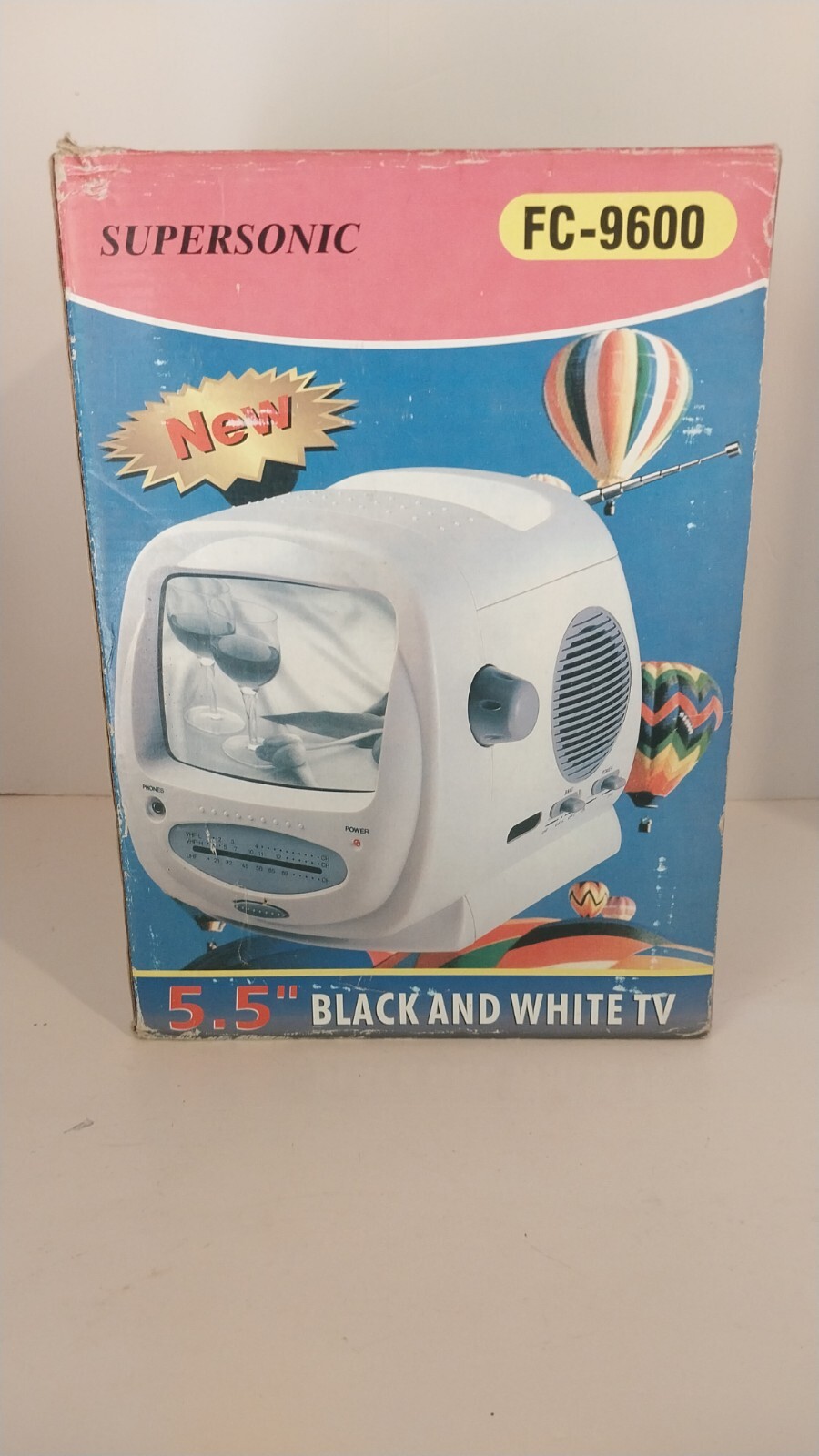 Figure 2a. Supersonic FC9600 box - front view
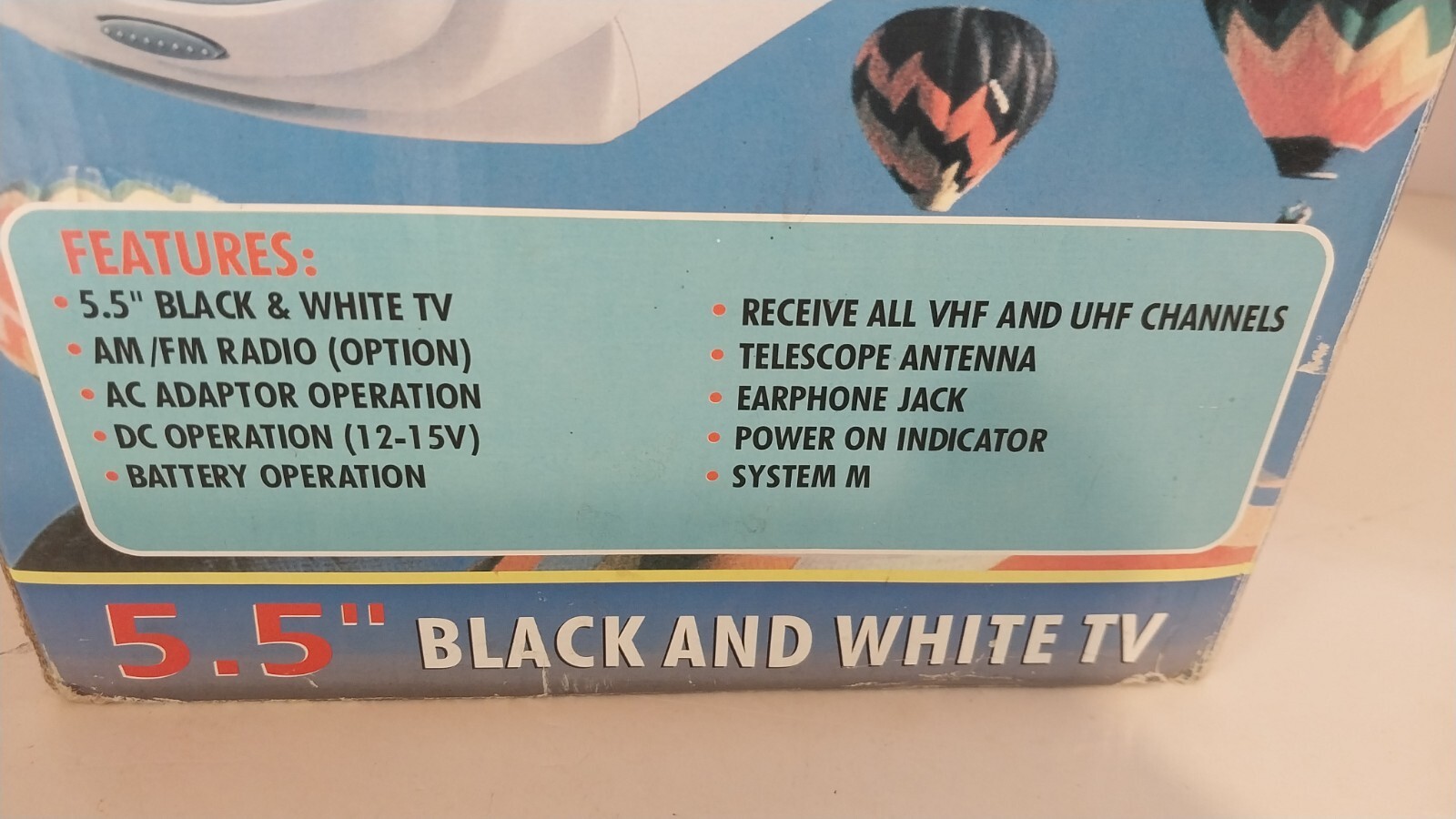 Figure 2b. Supersonic FC9600 - side view
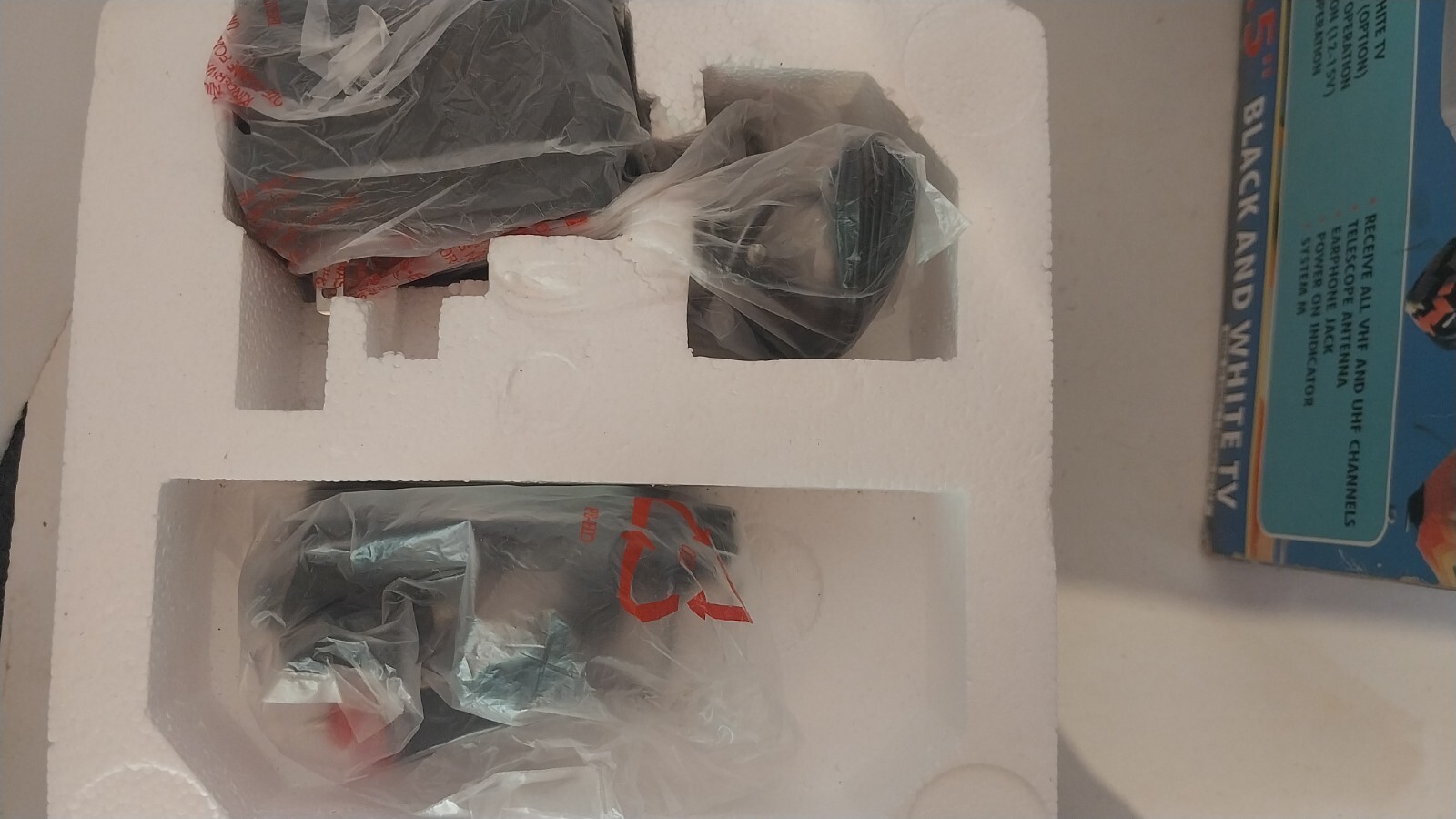 Figure 2c. Supersonic FC9600 - power adapter covered in plastic
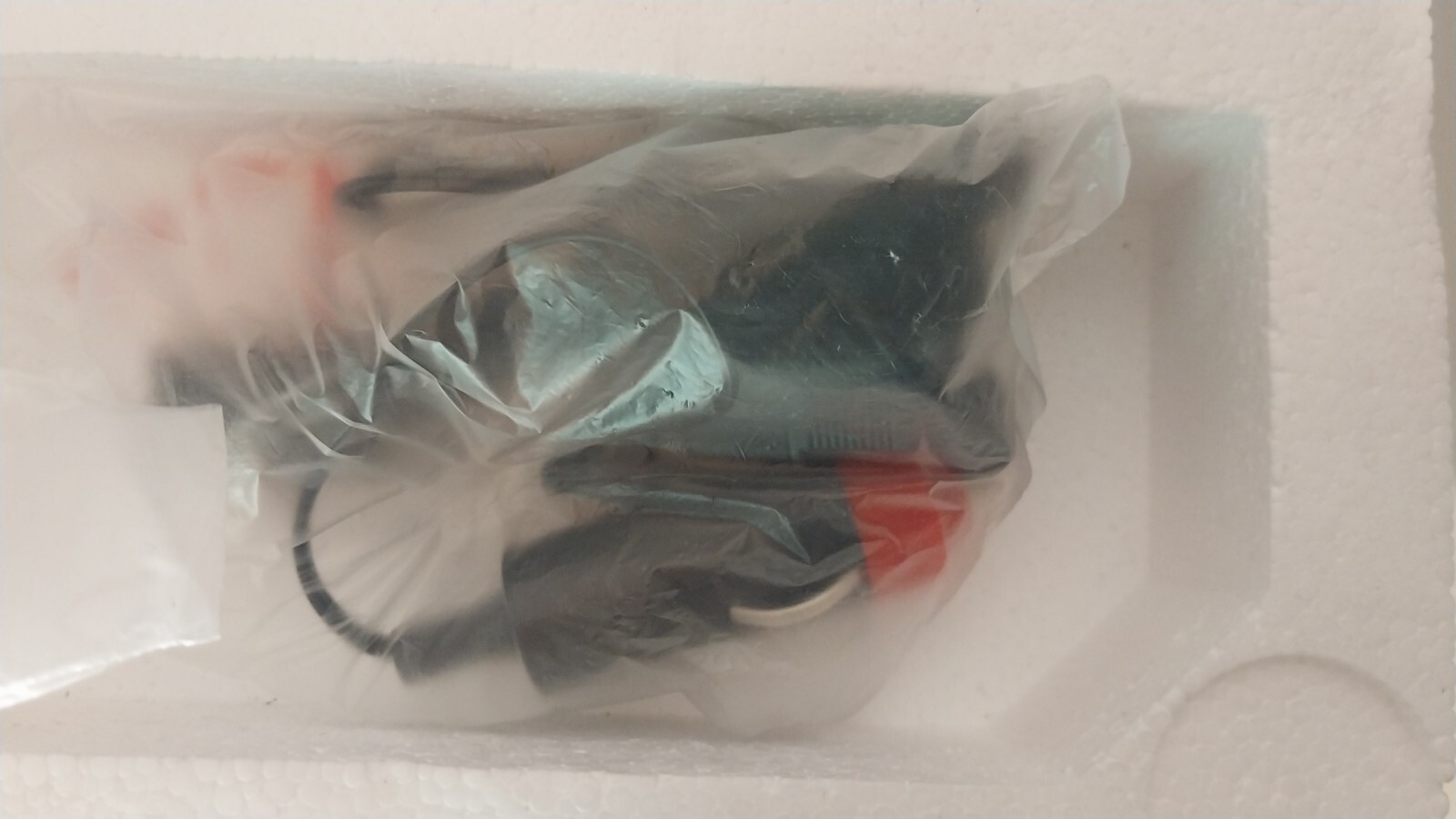 Figure 2d. Supersonic FC9600 - car charger covered in plastic
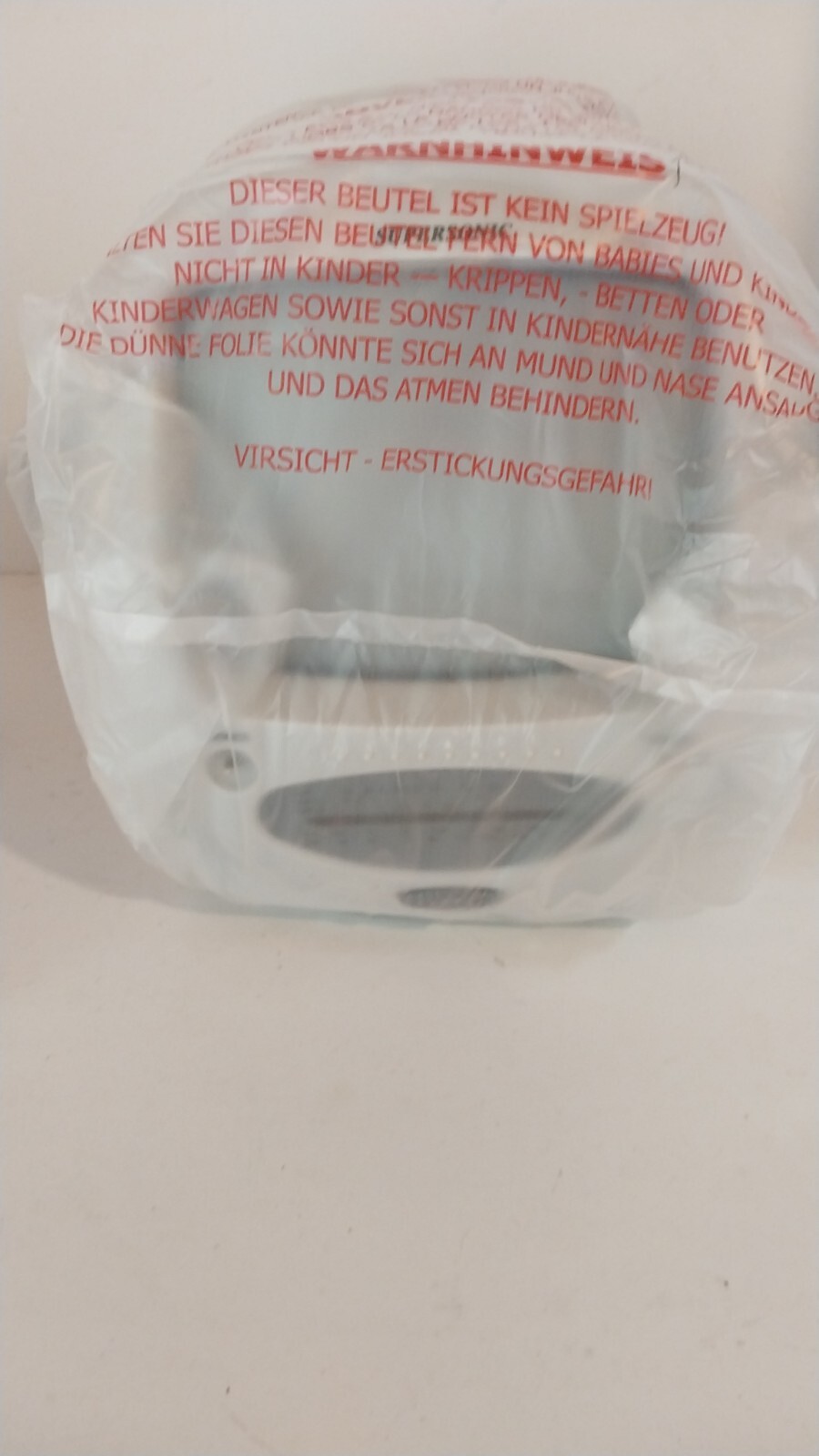 Figure 2e. Supersonic FC9600 - unboxed TV covered in plastic - front view
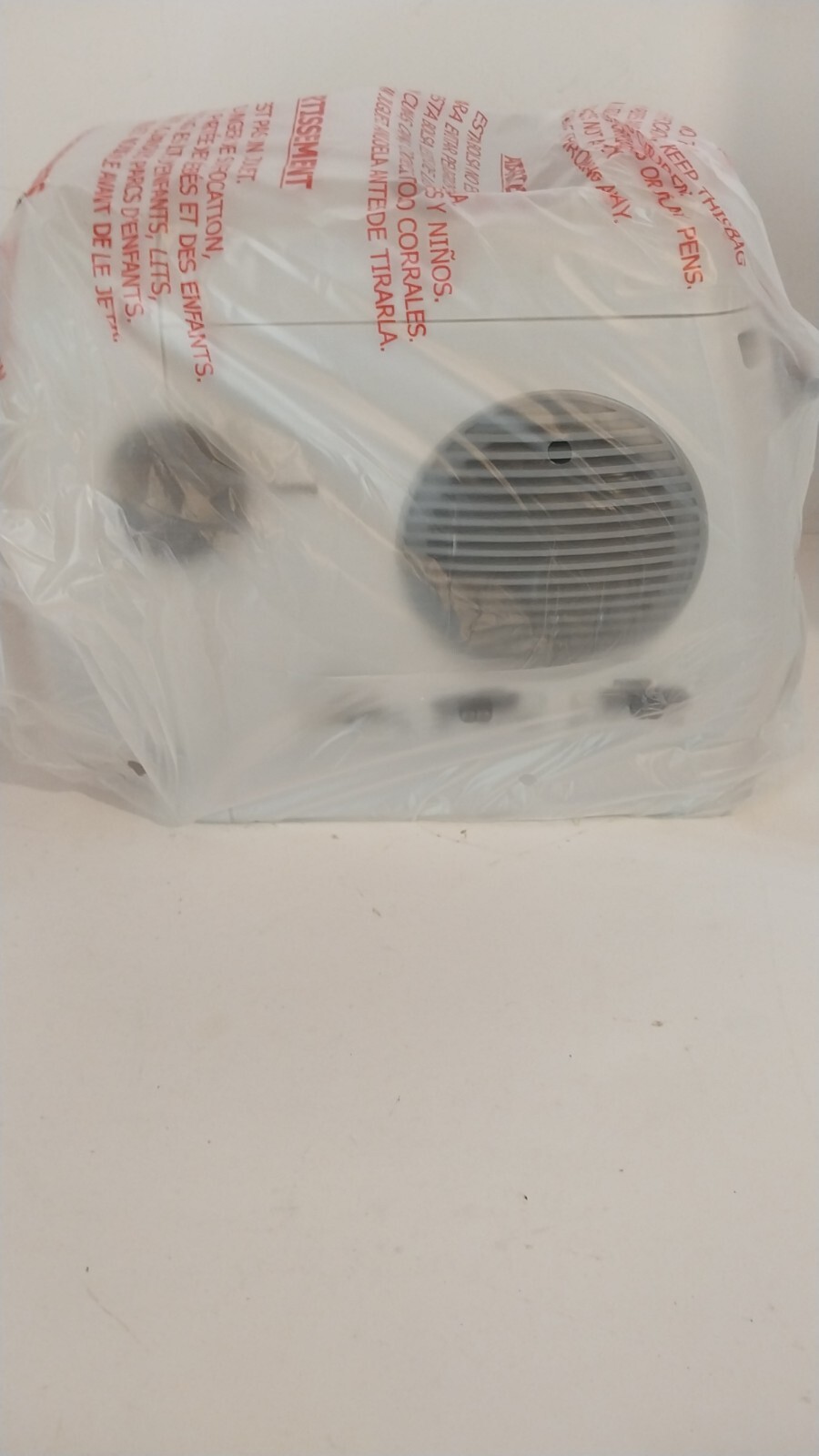 Figure 2f. Supersonic FC9600 - unboxed TV covered in plastic - side view of the power switch
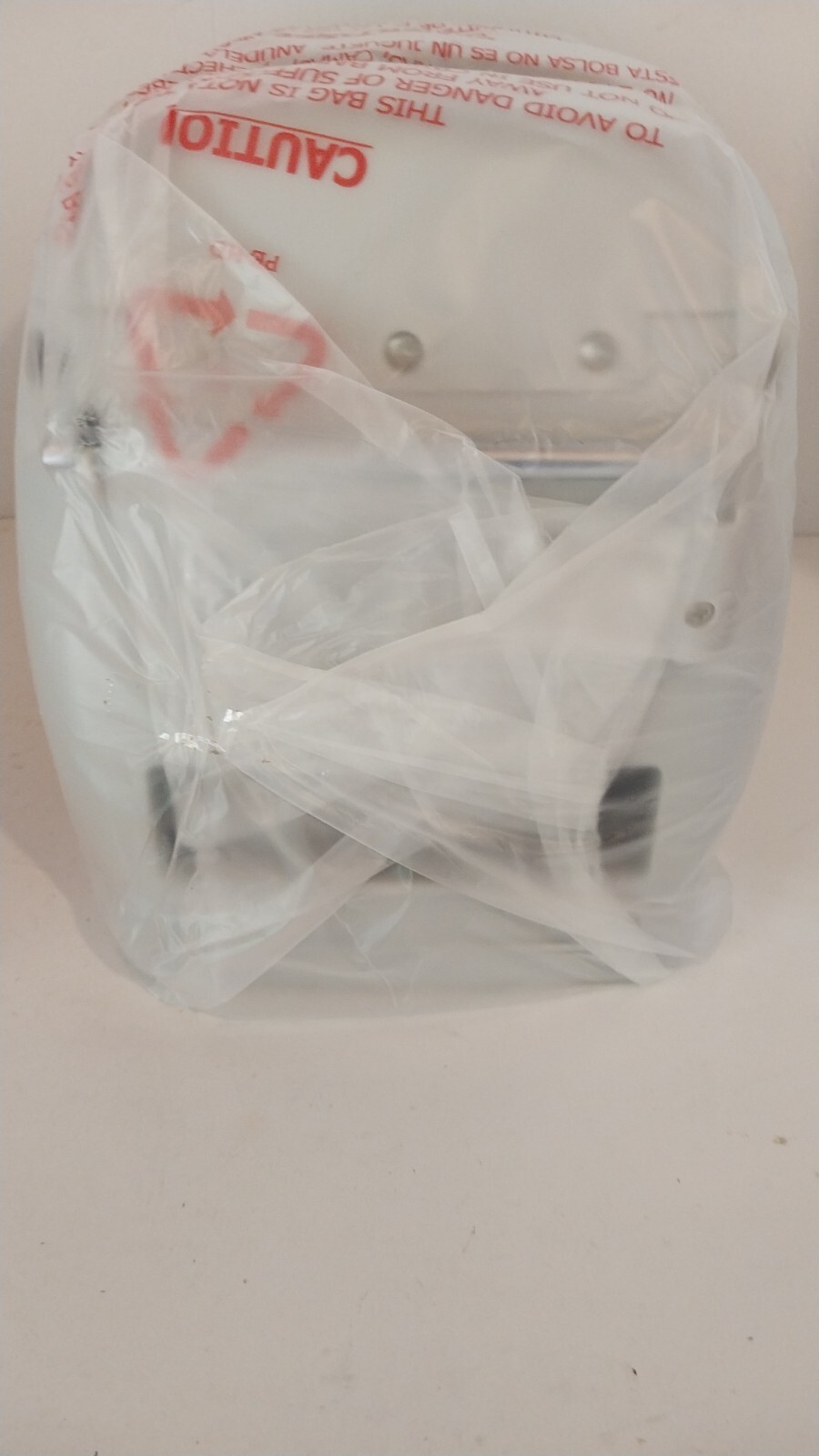 Figure 2g. Supersonic FC9600 - unboxed TV covered in plastic - rear view of the antenna
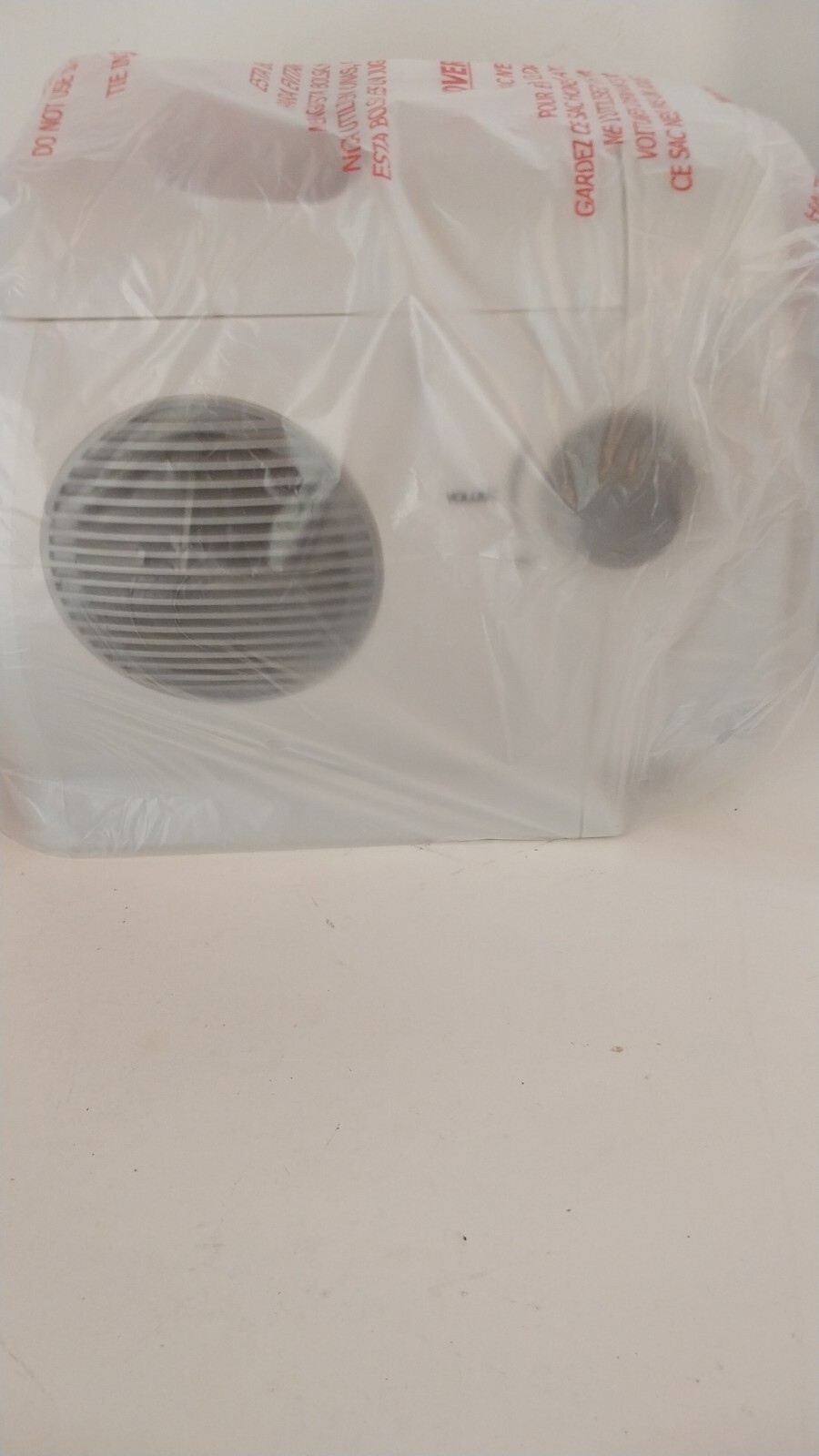 Figure 2h. Supersonic FC9600 - unboxed TV covered in plastic - side view of the volume control
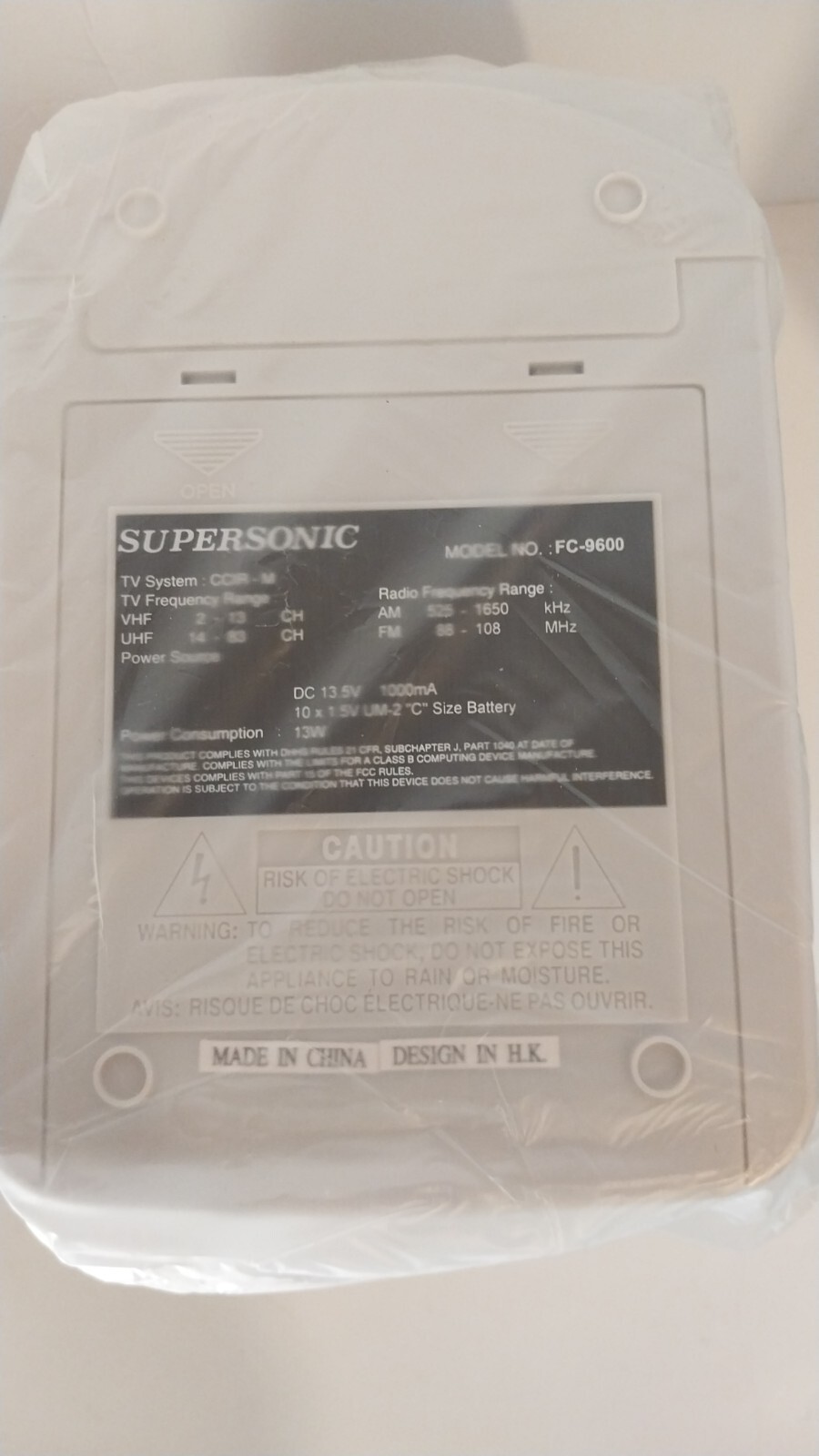 Figure 2i. Supersonic FC9600 - unboxed TV covered in plastic - bottom view of the factory sticker
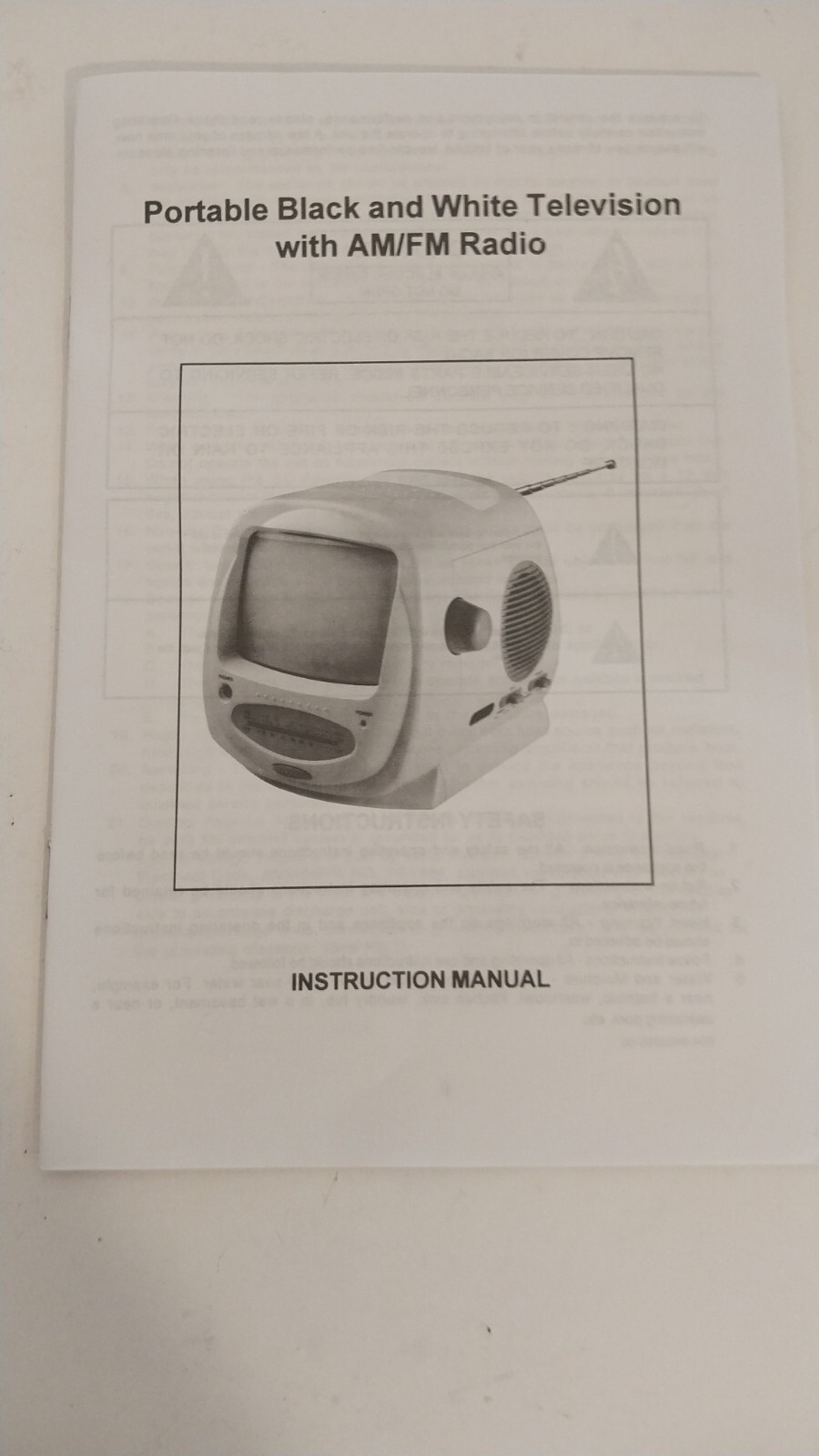 Figure 2j. Supersonic FC9600 - image of the user manual
Ok, now I needed to procure a power supply.
STREAMING REQUIREMENTS
Analog over-the-air (OTA) transmission has stopped in the USA, so the only way to use the existing antenna was for AM/FM radio which worked fine. For TV reception through other means, such as a digital antenna, there was a 3.5mm jack labeled EXT ANT which stands for external antenna. I needed a 3.5mm jack to a coaxial convertor or an HDMI convertor or an RCA convertor.
I had a working old Roku LT 2700X from my parents, which currently is over 10 years old now, but still works. It has a 3-pin RCA connector with video and audio outputs.
So technically, I could connect the Roku LT 2700X to the TV with a RCA convertor that would convert to the 3.5mm antenna jack. However, the 3-pin RCA to single-pin 3.5mm cable that I had did not work or transmit correctly. Seemed like I need an RF modulator in the middle.
I needed to procure an RCA-to-coaxial RF modulator, a pre-crimped small coaxial cable, a coaxial cable to 3.5mm jack converter and I would be in business. Start shopping at Amazon!
PARTS NEEDED
Please note these are affiliate links and they are solid products in my experience.
- Universal 12V 2A 1A Power Supply AC Adapter with 11 Changeable DC Plug Tips AC to DC12V Power Cord for LED Strip Light CCTV Camera BT Speaker GPS Webcam Router DC12V Wall Plug Charger 6FT
- Duracell C Batteries - optional if you want to power the TV with batteries
- Fancasee 2 Pack F Type Female to 1/8” 3.5mm Male Mono Plug Jack Adapter Coupler Converter Connector for Coax Coaxial Cable Cord Antenna and More
- THE CIMPLE CO - RF Modulator, RCA Composite to RF Coaxial Adapter, Converts Standard Definition Signals to Coax, Watch DVD, VHS, Game Consoles on TV, Includes A/V Cable, Does Not Work in Reverse
- Coaxial cable 1ft
- a used Roku LT 2700X with remote from eBay, Facebook or someone who has it
STREAMING SETUP
Step 1: Power your TV up with the power supply and test all its switches and the volume. Set it to channel 3 by setting the Band switch to the VHF-L setting as shown in Figure 3. And do not forget to the set the Function switch to TV.
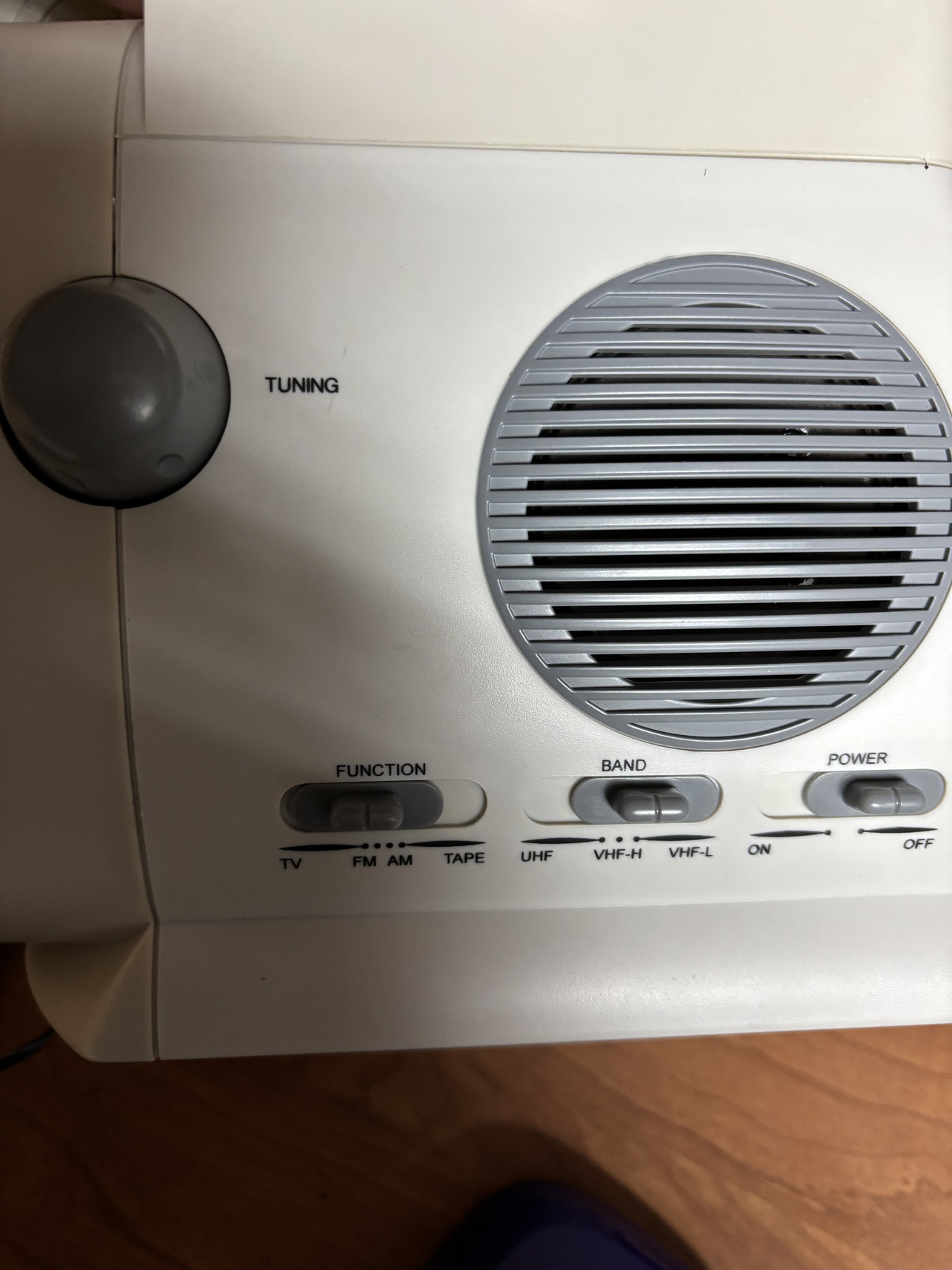 Figure 3. “Channel 3” or VHF-L setting
Step 2: Now let’s connect the coaxial cable end of the 3.5mm Mono Plug Jack Adapter to the coaxial cable first. Then plug in the 3.5mm end into the port labeled EXT ANT on the rear TV panel. See Figure 4 for both the power cable and the coaxial cable with the 3.5mm connector in place.
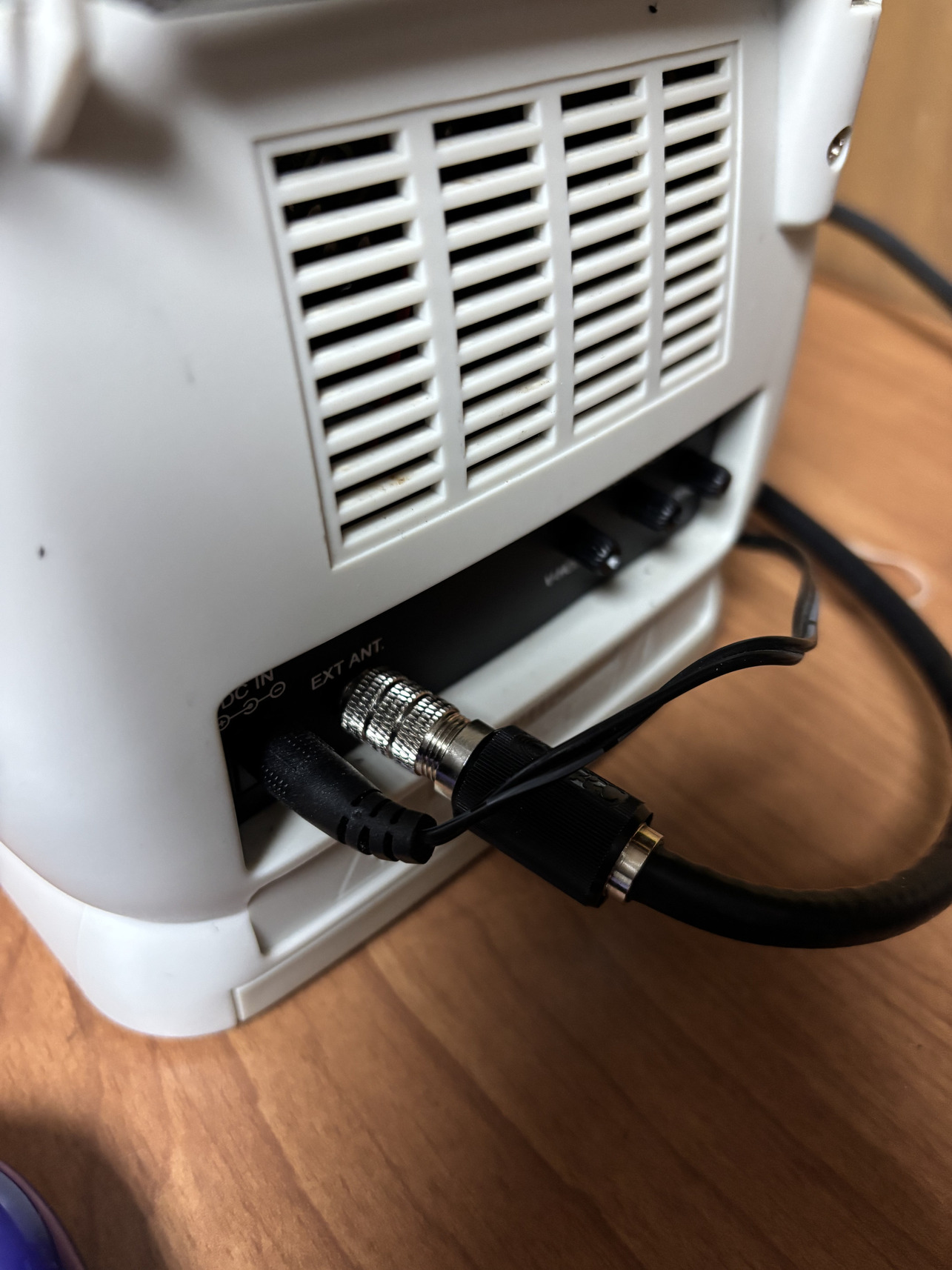 Figure 4. Connect the coaxial cable via the 3.5mm Mono Plug Jack Adapter to the TV
Step 3: Connect the open end of the coaxial cable to the IN input of the Cimple RCA to Coax RF Modulator, as seen in Figure 5.
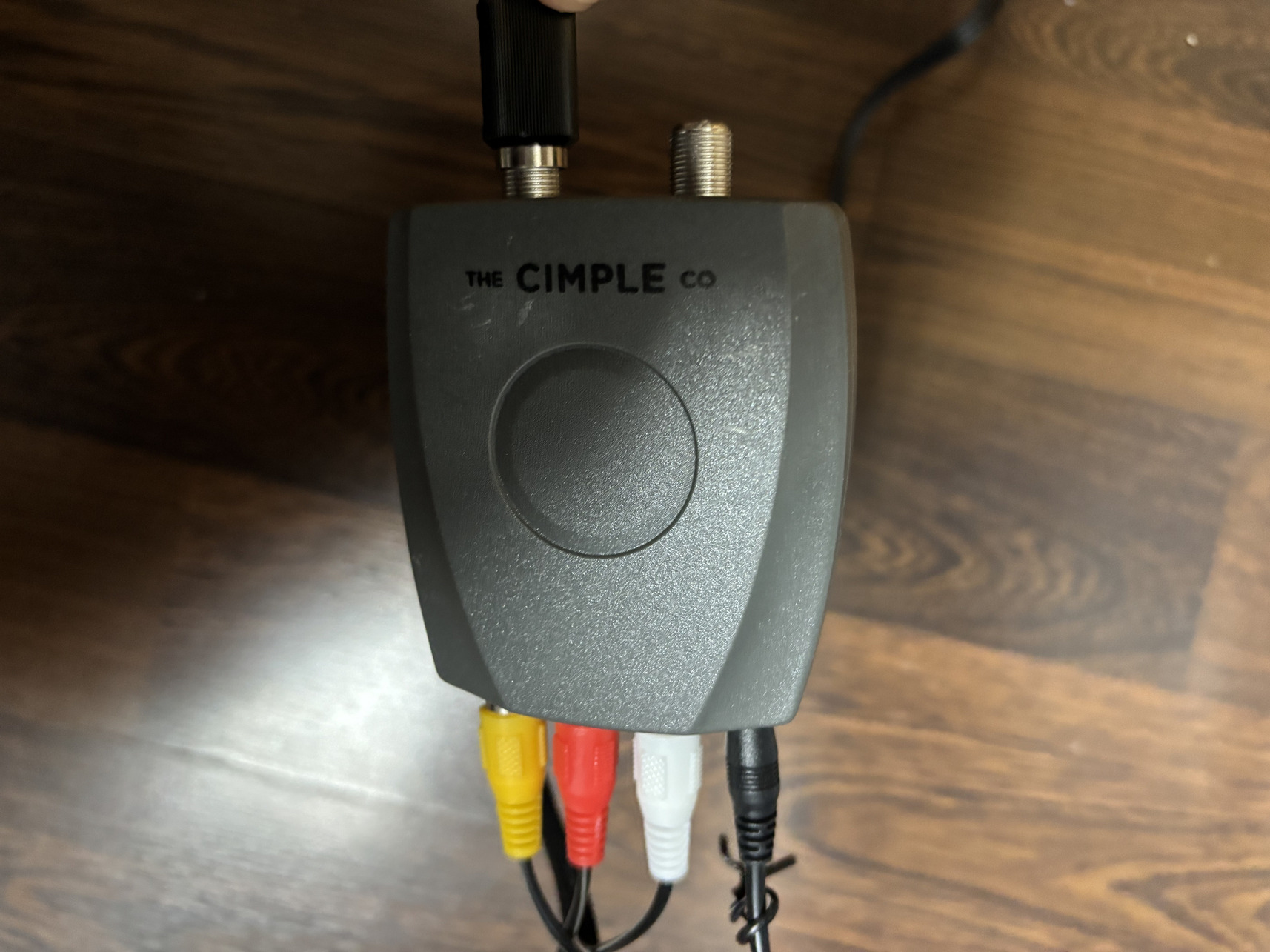 Figure 5. RCA-to-Coaxial RF Modulator by The Cimple Co
Step 4: Connect one end of the 3-pin RCA cable to the RF modulator as in Figure 5 and the other end to the Roku LT 2700x as seen in Figure 6.
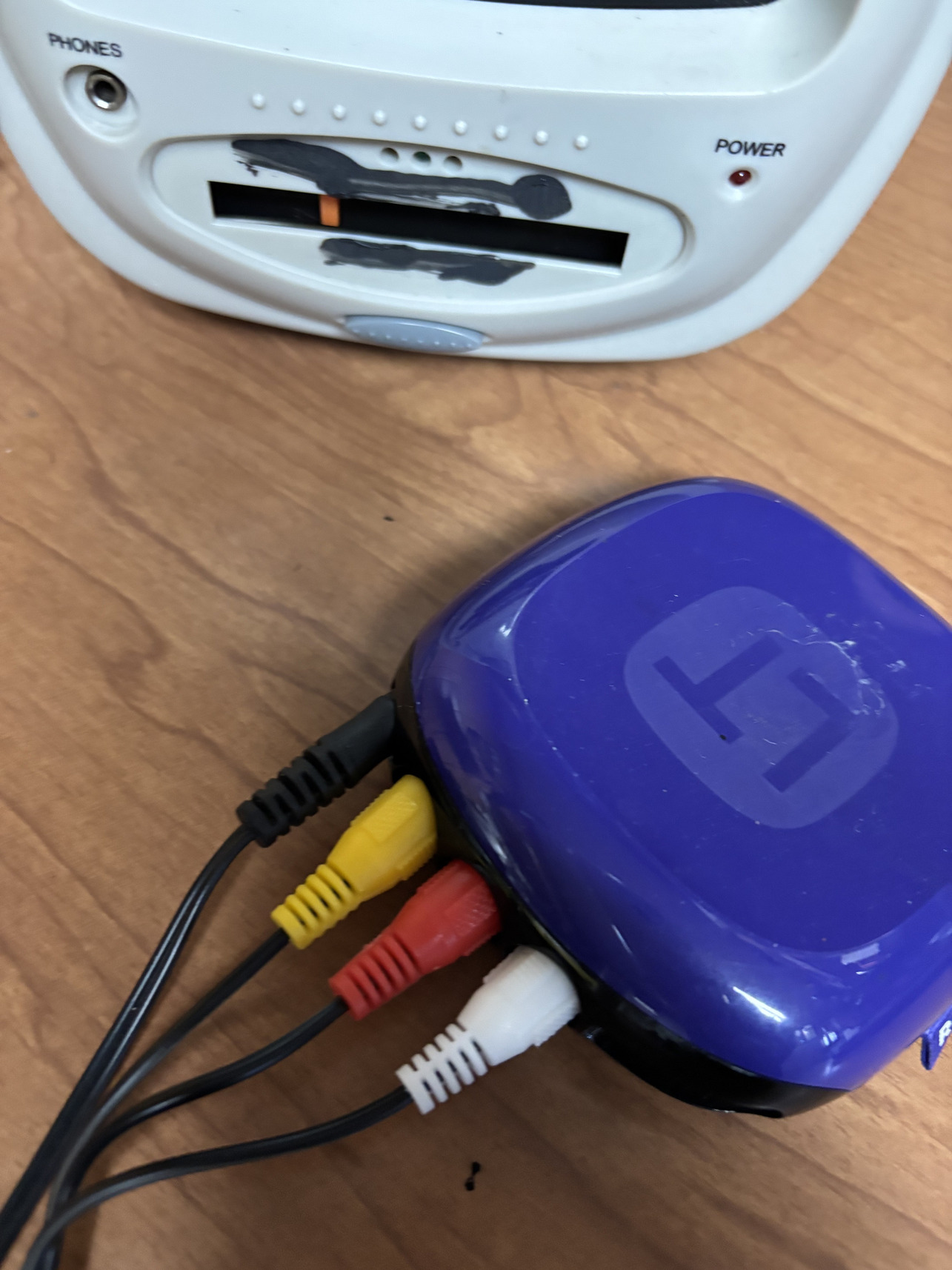 Figure 6. RCA cable connected to the Roku LT 2700x
Step 5: Power on the TV, RF modulator and the Roku in that order, preferably. If everything has been connected correctly, you will see the Roku boot screen as in Figure 7.
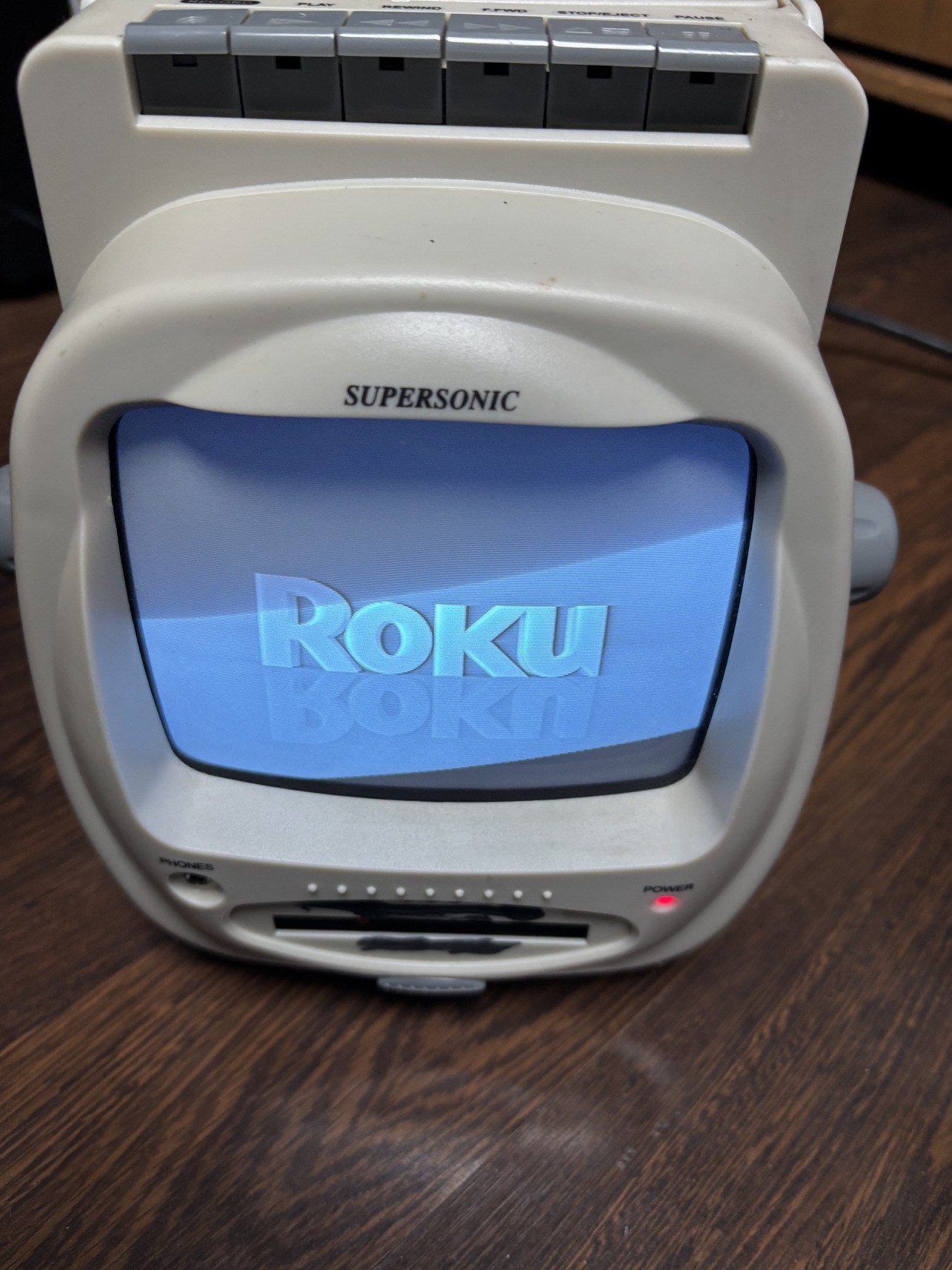 Figure 7. Roku boot screen visible on the Supersonic FC9600 CRT TV
Step 6: Using the Roku remote (not pictured), you can configure the Roku and connect it to WiFi. The Roku LT 2700x does not have an ethernet RJ-45 port to connect it to ethernet, so WiFi is the only option. It will need a 2.4GHz access point.
Step 7: Once your Roku is configured, you can use the Roku remote to navigate their menu and watch Live channels on the Roku UI. Since the Roku is quite old and unsupported, many new apps may not work, but some apps like The Roku Channel continue to work. Figure 8 shows some live news channel I was able to stream on the Supersonic FC9600 using a Roku LT 2700X with an RF modulator.
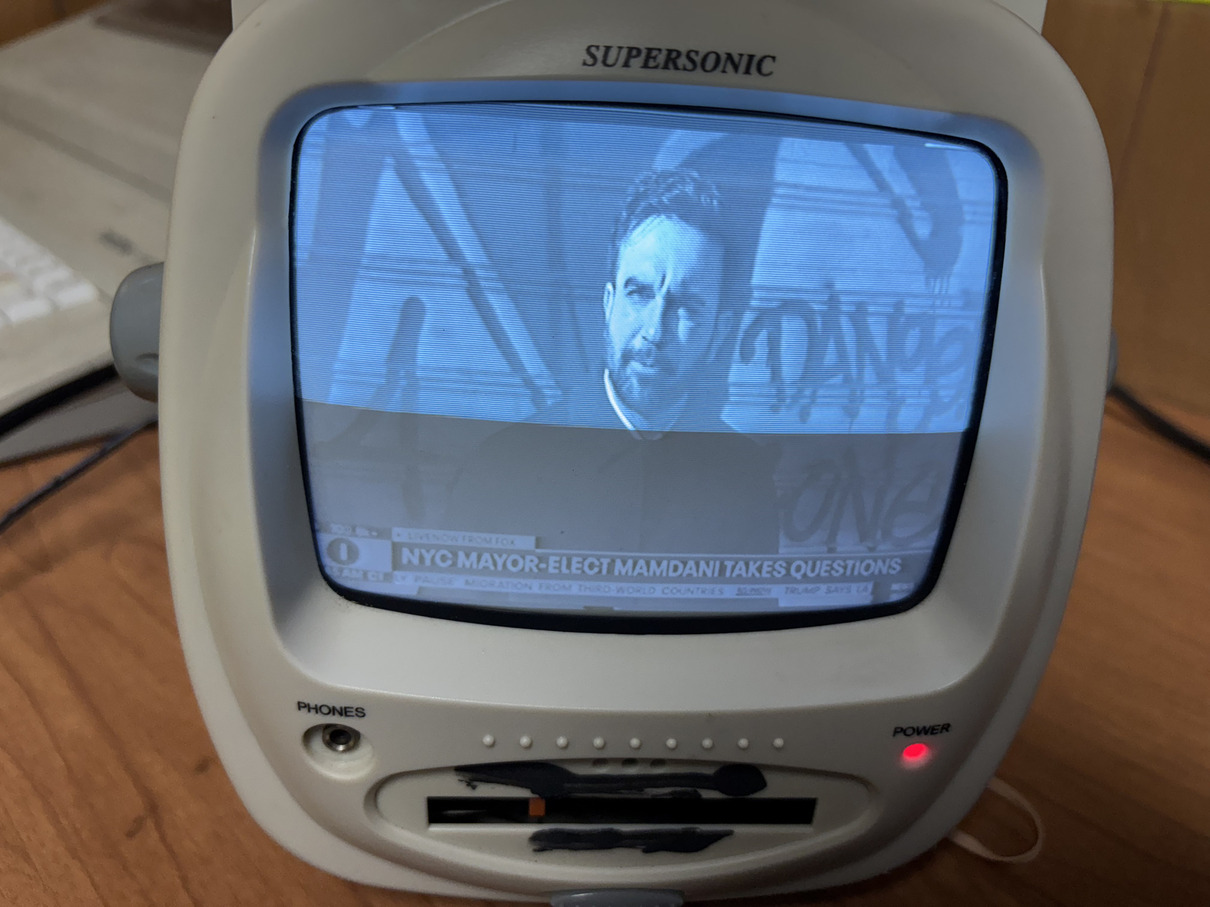 Figure 8. NYC Mayor-elect Zohran Mamdani on the news giving a speech as seen on TV
The TV works, the radio works but the cassette player does not work. Next thing to fix in the future.
 Donate BITCOIN to 19hrWWw1dPvBE1wVPfCnH8LqnUwsT3NsHW.